 How-to
Why Your Back Hurts After Sitting for Hours
Last Updated: October 23, 2026
Quick Summary
Your back hurt sitting hours because sustained pressure on your spine, combined with muscle fatigue and postural stress, creates discomfort. Your body isn't designed to sit for extended periods, and prolonged sitting disrupts the natural balance your spine needs.
- Move every 30 to 45 minutes for 2 to 3 minutes to interrupt compression on your discs.
- Sitting increases pressure on your spinal discs significantly compared to standing or walking.
- Tight hip flexors from sitting pull your pelvis forward, tilting your spine and increasing lower back strain.
- A proper chair with lumbar support at your belt line prevents your muscles from working overtime.
- Perform targeted stretches like hip flexor lunges and spinal twists 2-3 times daily to prevent tightness.
Table of Contents
- Why Prolonged Sitting Causes Lower Back Pain
- How Sitting Posture for Lower Back Pain Develops
- How to Relieve Back Pain From Sitting
- Lower Back Pain When Standing Up: Why It Happens
- Ergonomic Setup: Creating a Back-Friendly Workstation
- When to Seek Professional Care
- Conclusion
- Frequently Asked Questions
Why Prolonged Sitting Causes Lower Back Pain
Your back hurt sitting hours because sustained pressure on your spine, combined with muscle fatigue and postural stress, creates a perfect storm for discomfort.
Your body isn't designed to sit for extended periods. Evolution shaped us to move, and prolonged sitting disrupts the natural balance your spine needs.
Disc Pressure and Spinal Alignment
Sitting increases pressure on your spinal discs significantly compared to standing or walking. Your lumbar spine bears most of your upper body weight when seated, and that compression adds up over hours.
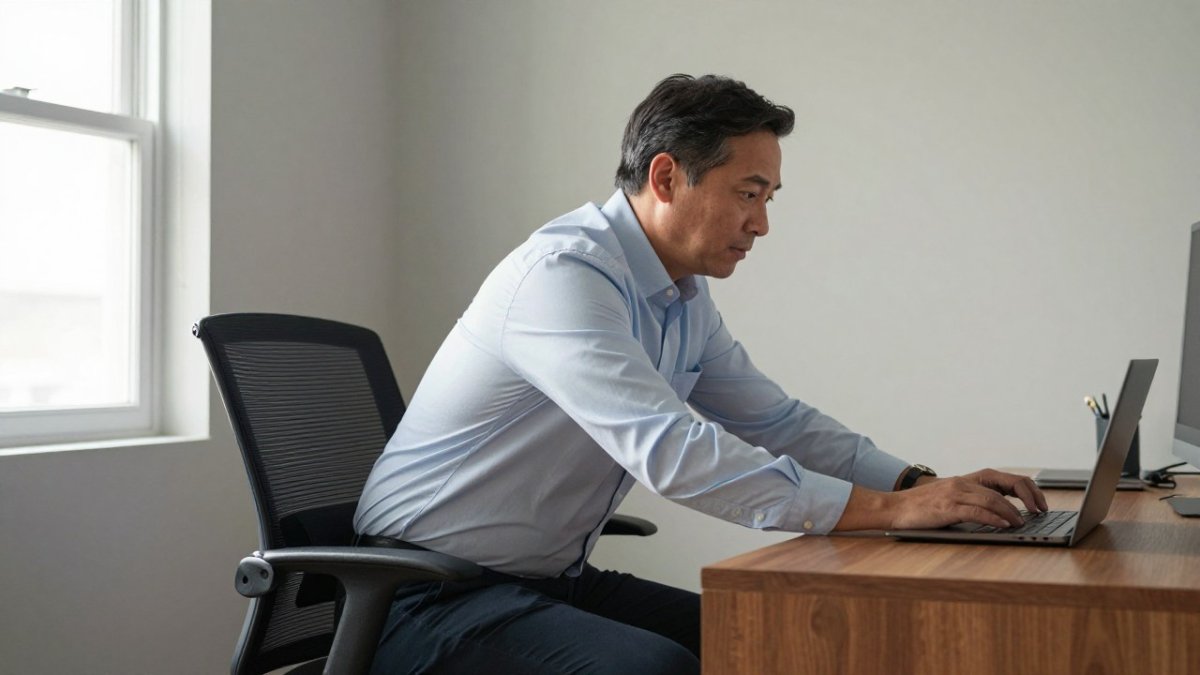
Poor sitting posture makes it worse.
Research from the National Library of Medicine's study on sedentary behavior describes how excessive sitting may contribute to chronic low back pain through several mechanisms, including increased disc pressure and decreased spinal support.
Muscle Strain and Postural Fatigue
Your back muscles aren't meant to hold you upright in a chair all day.
Hip flexors also play a role. Sitting shortens these muscles at the front of your hips, pulling your pelvis forward, tilting your spine, and increasing strain on your lower back.
The longer your back hurt sitting hours without movement breaks, the more your muscles accumulate fatigue and tension.
How Sitting Posture for Lower Back Pain Develops
Bad posture doesn't happen overnight. It builds gradually as your body adapts to hours in a chair, so recognizing the warning signs early helps you act before pain takes hold.
The Role of Chair and Workstation Setup
Your chair matters more than most people realize. A soft couch or unsupported chair forces your spine into poor alignment: your body sinks, your pelvis tilts backward, and your shoulders round forward, creating immediate postural stress on your lower back.
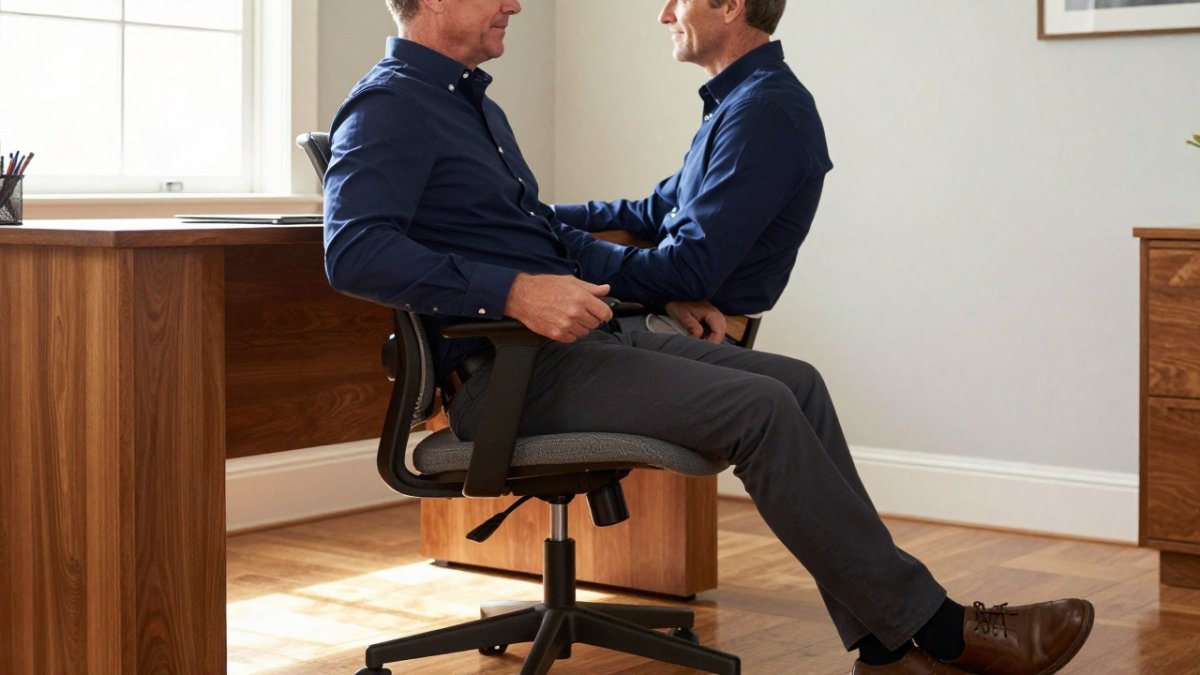
A proper chair supports your lumbar spine, the natural inward curve at the base of your back. Without that support, your muscles work overtime to maintain alignment. They fatigue faster. Pain follows sooner.
Your workstation setup affects posture too. A monitor that sits too low makes you lean forward, a desk that's too high or too low forces your shoulders up or rounds your spine, and feet that don't rest flat destabilize your pelvis.
Hip Flexors, Tight Muscles, and Postural Stress
Tight hip flexors are a hidden culprit in sitting-related back pain. When you sit, these muscles shorten and adapt to that position hour after hour.
Other muscles tighten too. Your hamstrings shorten, your glutes weaken from disuse, and your core loses tone. This combination of tight muscles and weak stabilizers creates the perfect conditions for pain to develop and persist.
How to Relieve Back Pain From Sitting
Pain relief starts with movement and strategic positioning. You don't need complex exercises or expensive equipment. Simple, consistent actions work best.
Movement Breaks and Position Changes
Movement breaks are non-negotiable if you sit for work. Every 30 to 45 minutes, stand up and move for 2 to 3 minutes.
Change positions frequently throughout your day. Shift your weight, adjust your chair height, and stand for part of your workday if possible. Walking, even just around your office, provides relief and restores circulation.
When you do move, prioritize these actions:
- Stand and stretch your hip flexors by stepping one leg back into a gentle lunge
- Walk slowly for 2-3 minutes to decompress your spine
- Shift your sitting position every 15-20 minutes
- Alternate between sitting and standing if your workstation allows
Stretches for Back Pain After Sitting
Targeted stretches address the specific muscles that tighten from prolonged sitting.
Hip Flexor Stretch: Step one leg back into a lunge position.
Hamstring Stretch: Sit on the floor with one leg extended.
Spinal Twist: Sit in a chair.
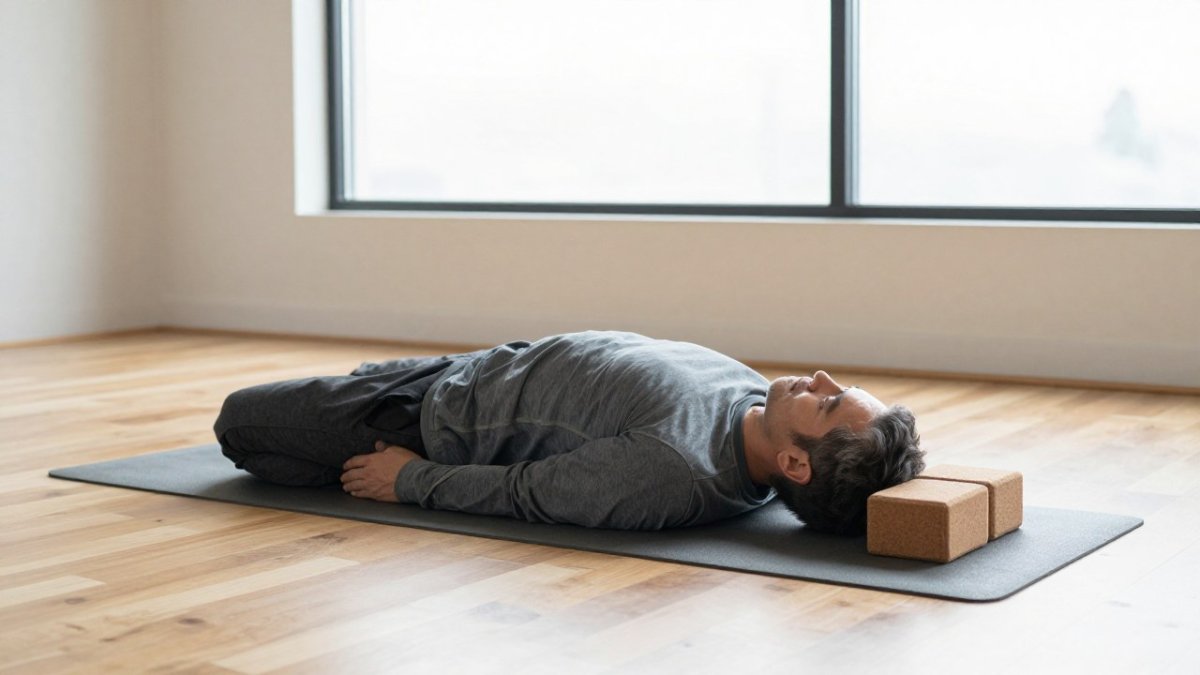
Child's Pose: Kneel on the floor. Bring your forehead down.
Perform these stretches 2-3 times daily, especially after prolonged sitting. Consistency matters more than intensity. Gentle, regular stretching prevents tightness from building up.
Lower Back Pain When Standing Up: Why It Happens
Pain that strikes when you stand up after sitting is a specific signal about what's happening in your spine and muscles.
When you sit for hours, your discs absorb pressure and fluid shifts within them. Your muscles adapt to the seated position.
Grab a Free Discovery Call Today →
This pain often eases after a few steps as your spine rehydrates and your muscles warm up.
Ergonomic Setup: Creating a Back-Friendly Workstation
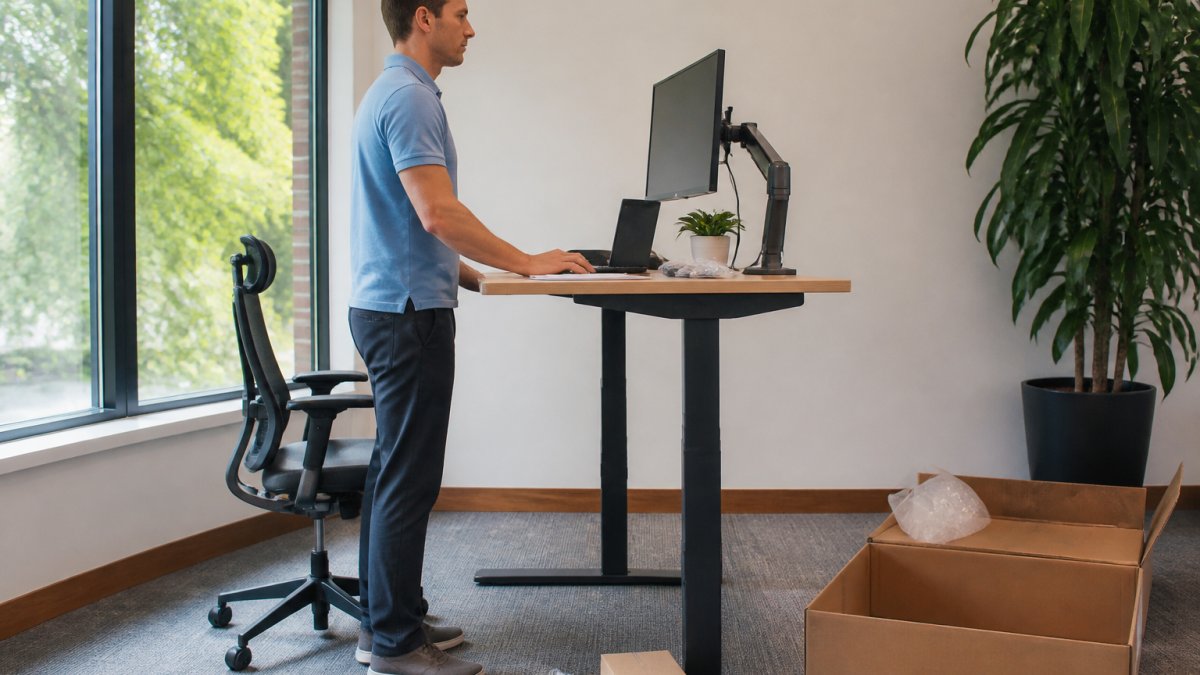
Your environment shapes your posture, and a thoughtfully designed workstation prevents pain before it starts. Generic advice like "adjust your chair" isn't enough, use this step-by-step audit with specific measurements.
Step 1: Chair Height and Seat Depth
Start with your chair. Sit fully back so your feet rest flat on the floor or a footrest and your knees are at roughly 90 degrees with thighs parallel to the ground.
Seat depth matters too. You should have about 2-3 inches between the back of your knees and the edge of the seat.
Step 2: Lumbar Support
Your chair's backrest should support the natural inward curve of your lower back (lumbar lordosis). Adjust the lumbar support to fit into that curve, not above or below it.
If your chair lacks adjustable lumbar support, a rolled towel or a small cushion placed in the small of your back can work.
Step 3: Armrests
Armrests should support your forearms lightly with your shoulders relaxed and elbows at about 90 degrees. Too high pushes your shoulders up; too low makes you slouch to reach them. Adjust so your wrists are straight and shoulders down.
Step 4: Desk Height
Your desk height should let your elbows bend at roughly 90 degrees with forearms parallel to the floor when your hands are on the keyboard. Too high shrugs your shoulders up; too low rounds your spine forward. A standing desk or keyboard tray can help if your desk is fixed.
Step 5: Monitor Position
Place your monitor at arm's length (about 20-30 inches) with the top of the screen at or slightly below eye level. If you wear progressive lenses, you may need it slightly lower to avoid tilting your head back. Center it directly in front of you so you don't twist your neck.
Step 6: Keyboard and Mouse
Keep the keyboard and mouse at elbow height, close enough that your upper arms hang naturally at your sides. Your wrists should be neutral, not bent up or down. A wrist rest should support the heel of your hand, not press into your wrist. Avoid reaching forward or to the side.
Step 7: Lighting and Glare
Position your monitor to avoid glare from windows or overhead lights. Poor lighting forces you to lean forward, rounding your spine and straining your neck. Use blinds or adjust the monitor angle, and if possible place your desk perpendicular to windows so light comes from the side.
Step 8: Footrest
If your feet don't rest flat on the floor after adjusting chair height, use a footrest tall enough that your thighs are parallel to the ground and your knees are at 90 degrees.
Take 2-3 minutes to audit your setup against these standards. Small adjustments, raising your monitor, adjusting chair height, repositioning your keyboard, prevent hours of postural stress each day.
Proper workstation setup requires adjusting multiple elements to support your spine and prevent postural stress.
| Element | Proper Position | Key Measurement |
|---|---|---|
| Chair height | Feet flat, knees at 90 degrees | Thighs parallel to ground |
| Seat depth | Support without pressing calves | 2-3 inches from knee to seat edge |
| Lumbar support | Fits natural lower back curve | At belt line or slightly above |
| Armrests | Support forearms, shoulders relaxed | Elbows at roughly 90 degrees |
| Desk height | Forearms parallel to floor | Elbows bent at roughly 90 degrees |
| Monitor position | Top at or slightly below eye level | 20-30 inches away, centered |
| Keyboard and mouse | At elbow height, close to body | Wrists neutral, not bent |
| Footrest | Thighs parallel to ground | Use if feet don't rest flat on floor |
When to Seek Professional Care
Self-care strategies work for many people, but they don't work for everyone. Certain signs indicate you need professional evaluation. The challenge is distinguishing normal, posture-related soreness from symptoms that signal something more serious. Use this guide to decide.
Routine Discomfort vs. Warning Signs
Most back pain from sitting is mechanical, caused by muscle fatigue, disc compression, and poor posture. It typically improves with movement, stretching, and ergonomic changes.
However, some symptoms suggest you should seek care promptly. See a healthcare provider if you experience any of the following:
- Pain that persists for more than 2-3 weeks despite consistent self-care, including movement breaks, stretching, and workstation adjustments.
- Sharp, shooting, or radiating pain that travels down your leg, especially below the knee. This may indicate nerve involvement, such as sciatica.
- Weakness or numbness in your legs or feet. This could signal nerve compression that requires evaluation.
- Pain that wakes you at night or prevents you from working or performing daily activities.
If you're unsure, err on the side of caution. A physical therapist can assess your movement and identify whether your pain is mechanical or something that needs further medical evaluation.
What to Expect from a Professional Evaluation
A physical therapist will take a history, observe your posture and movement, and perform specific tests to identify the root cause of your pain.
Back Pain Physical Therapy(page:1) provides one-on-one assessment and treatment designed to address the specific mechanics of your pain, not generic exercises that may or may not help your situation.
If you're uncertain whether professional care is right for you, Schedule Your One-On-One Evaluation(page:4) to discuss your situation with a specialist.
Conclusion
Back pain from sitting for hours is common, but it's not inevitable. It develops from disc pressure, muscle fatigue, and postural stress, all of which you can influence through movement, stretching, and ergonomic changes.
Start with the fundamentals: move every 30-45 minutes, stretch daily, and audit your workstation setup. Most people see improvement within 1-2 weeks of consistent effort.
Frequently Asked Questions
Why does my back hurt after sitting for hours?
Prolonged sitting increases pressure on your spinal discs, tightens hip flexors and postural muscles, and reduces circulation. According to research in the National Library of Medicine's PubMed Central, this combination of disc compression, muscle strain, and deconditioning contributes to chronic lower back pain. The longer you sit without moving, the more pronounced these effects become.
What stretches help relieve back pain after sitting?
Effective stretches include hip flexor stretches (lunges or kneeling stretches), hamstring stretches, and gentle spinal twists. These target the tight muscles that develop from prolonged sitting. Perform each stretch for 20-30 seconds, holding gently without bouncing. Combining stretching with movement breaks every 30-60 minutes helps prevent muscle tightness and maintains spinal mobility throughout your day.
How can I improve my sitting posture for lower back pain?
Maintain neutral spinal alignment by keeping your shoulders relaxed, lower back supported, and feet flat on the floor. Your monitor should be at eye level to prevent forward head posture. Use a chair with lumbar support that maintains the natural curve of your spine. Adjust your workstation height so your elbows rest at 90 degrees, reducing postural stress on your back muscles.
Why does my lower back hurt when I stand up after sitting?
After sitting, your muscles are deconditioned and tight, your spinal discs have been compressed, and movement patterns may be stiff. Standing requires sudden muscle activation and disc repositioning, which can trigger pain. This is especially common if you've sat for extended periods without movement breaks. Gradual movement and gentle stretching before standing can reduce this discomfort.